
What is an ATS? ATS full form, meaning, and how it scans your resume
Over 90% of large companies use ATS software to filter resumes before a human ever sees them.
ATS full form: what does ATS stand for?
ATS stands for Applicant Tracking System. That's the ATS full form — a software platform that companies use to manage job applications by automatically scanning, parsing, and ranking resumes based on how well they match the job description.
Think of it as a gatekeeper. Before your resume reaches a recruiter, it passes through this digital filter that looks for specific keywords, formatting, and qualifications. An ATS resume is simply a resume that is formatted and written to pass this filter.
ATS meaning in recruitment
In recruitment, ATS refers to software that automates the initial screening of job applications. When you apply to a company's career portal and receive an automatic confirmation email, that's an ATS at work. The system has already received your resume and begun processing it before any human involvement.
The ATS meaning is consistent across all major platforms (Workday, Greenhouse, Lever, Taleo, iCIMS): automated sorting, keyword matching, and candidate ranking before human review.
What is an ATS and how does it work?
When you submit your resume, the ATS performs several functions in seconds:
Parsing your content: The system extracts information from your resume and organizes it into categories like work experience, education, and skills. Poor formatting can confuse the parser, causing it to miss important details.
Keyword matching: The ATS compares your resume against keywords from the job description. These include hard skills, software proficiencies, certifications, and sometimes soft skills.
Scoring and ranking: Based on keyword matches and other criteria, the system assigns your resume a score. Only the top-scoring candidates typically make it to human review.
How does ATS scoring work in practice?
Different ATS platforms use different scoring algorithms, but the fundamentals are consistent:
Keyword frequency and placement: Keywords that appear multiple times and in high-priority sections (like skills and job titles) carry more weight than keywords buried in paragraph text.
Exact matching vs. semantic matching: Older ATS systems require exact keyword matches. If the job says "project management" and you wrote "managing projects," it may not count. Newer systems use semantic matching and understand synonyms, but it's still safer to mirror exact language.
Required vs. preferred qualifications: Many ATS platforms distinguish between required and nice-to-have requirements. Missing a required keyword lowers your score significantly more than missing an optional one.
Section recognition: The ATS needs to correctly identify which part of your resume is your work experience vs. your skills vs. your education. Non-standard section names confuse the parser and can cause important content to be miscategorized.
What is a good ATS score?
There's no universal scale, but most ATS platforms rate candidates relative to each other rather than on a fixed scale. In practice:
- Below 50% keyword match: Unlikely to reach human review for competitive roles
- 50–70% match: May pass initial screening depending on how competitive the candidate pool is
- 70–80% match: Generally considered a strong application
- 80%+ match: Highly competitive — most likely to reach the top of the stack
The threshold varies by company, role, and how many applicants applied. For high-volume postings at large companies, only the top 10–20% of applicants make it to human review.
Does every company use ATS?
Not every company, but the majority of larger ones do. Research suggests:
- Nearly all Fortune 500 companies use an ATS
- Around 75% of companies with over 100 employees use some form of applicant tracking
- Small businesses and startups may rely on manual review or simpler tools
If you're applying through a company's careers portal or through a job board like LinkedIn, Indeed, or Greenhouse, your resume almost certainly passes through an ATS before anyone reads it.
Applying directly to a small startup via email or a personal referral is one of the few cases where you might reach a human directly — though a clean, well-structured resume still reads better regardless.
Step-by-step: how ATS processes your resume
When you click "Submit Application," here's exactly what happens before any human sees your name:
Step 1 — Receipt and storage The ATS logs the application with a timestamp. Your resume file is stored in the system. You receive an automatic confirmation email. This happens in seconds.
Step 2 — Parsing The system reads your resume file and attempts to extract structured data. It looks for recognizable patterns to identify:
- Contact information (name, email, phone, location)
- Work experience entries (employer, job title, dates, responsibilities)
- Education (institution, degree, dates)
- Skills and certifications
Formatting problems — tables, text boxes, headers/footers, image-based PDFs, multi-column layouts — disrupt this step. If the parser can't identify your job titles correctly, your experience gets miscategorized or lost.
Step 3 — Keyword matching The parsed data is compared against the job description's required and preferred qualifications. The system looks for exact or near-exact matches between your resume text and the keywords defined for the role (usually by the recruiter who set up the job posting).
Step 4 — Scoring and ranking Your application is assigned a match score. This score is combined with other signals — recency of experience, years in role, educational requirements — to produce an overall ranking. You are placed in a queue relative to all other applicants.
Step 5 — Human review queue Recruiters log in and see a ranked list of applicants. They typically start at the top. Depending on the role and volume, they may review the top 20 candidates, the top 50, or more. Applications below a certain score threshold may never be viewed at all.
The entire process from submission to scoring takes seconds. The ranking that determines whether a human reads your resume is set before anyone opens a file.
How do I know if a company uses ATS?
You can't know for certain, but strong signals include:
- They use a branded career portal (Workday, Greenhouse, Lever, iCIMS, Taleo, BambooHR)
- You receive an automatic confirmation email after applying
- The application form asks you to upload a resume and then also manually enter your work history
- The company has more than 100 employees
When in doubt, optimize for ATS. There's no downside to a well-structured, keyword-rich resume — it reads well to humans too.
What happens after ATS? The recruiter stage
Your cover letter also goes through ATS — see our ATS cover letter guide.
Passing ATS screening doesn't mean you're in — it means a human will now read your resume. Recruiters typically spend 6–10 seconds on a first pass, looking for:
- A job title or role that matches what they're hiring for
- Recognizable company names or relevant industry experience
- The core skills and tools listed in the requirements
- Clean, scannable formatting
Your ATS-optimized resume needs to be immediately readable to humans too. Dense paragraphs, unusual formatting, or a confusing structure will lose the recruiter even after passing the system.
Common reasons resumes fail ATS screening
Your qualifications might be perfect, but your resume could still get rejected for technical reasons:
- Headers and footers often contain important information that ATS software cannot read
- Tables and text boxes frequently cause parsing errors
- Images, logos, and graphics are invisible to most systems
- Unusual fonts or excessive formatting confuses the parser
- Missing keywords from the job description lowers your match score significantly
How to optimize your resume for ATS
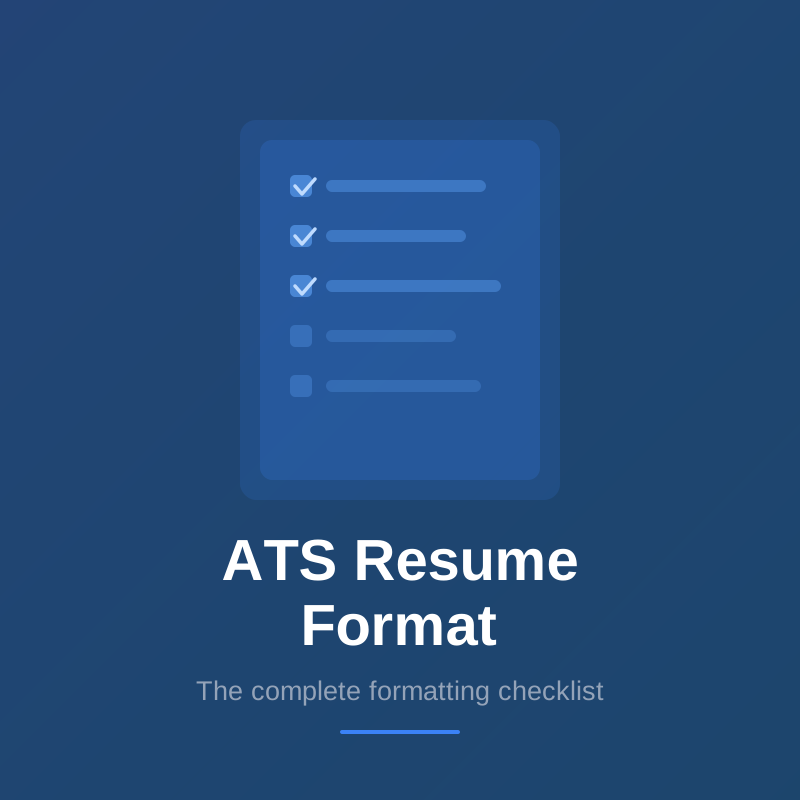
Start by using a simple, clean format with standard section headings like Work Experience, Education, and Skills. Stick to common fonts like Arial, Calibri, or Times New Roman. See our complete ATS resume format checklist.
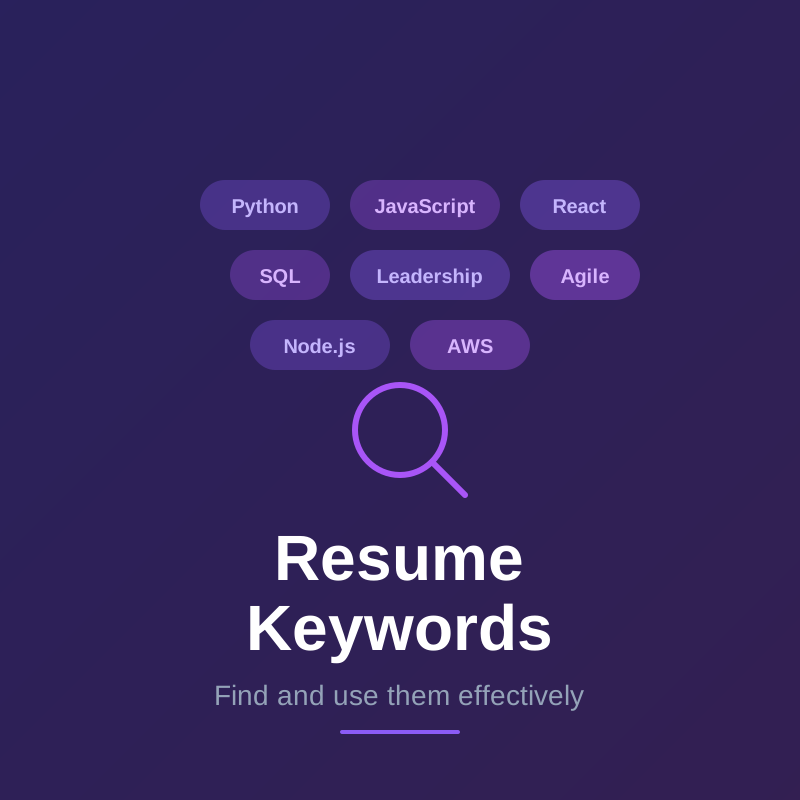
Include keywords naturally throughout your resume, especially in your skills section and work experience descriptions. Mirror the language used in the job posting when describing your accomplishments.
Your resume summary is one of the first places ATS looks for keywords — it's the first body text the system reads. See the full guide on writing an ATS-friendly summary for what to include and how to structure it.
Learn more about what makes a resume ATS friendly, what a good ATS score looks like, and how ATS parses your resume.
Save your resume as a .docx or PDF file, though .docx is generally safer for ATS compatibility.
How to check if your resume passed ATS
You almost never receive direct feedback from ATS software — the system doesn't tell you that you were filtered out. But there are ways to assess your ATS performance:
Before you apply:
- Compare your resume against the job description manually — count how many of the required skills and tools appear verbatim in your resume
- Use a resume scoring tool that simulates ATS keyword matching against the specific posting. A score below 60–65% is a warning sign for competitive roles
- Test your resume's parseability: copy and paste the content from your resume file into a plain text editor. If sections look scrambled, out of order, or characters are garbled, an ATS will have the same problem
After you apply:
- If you get an automated acknowledgment but no further contact after 2–3 weeks on a role you're qualified for, ATS filtering is a likely explanation
- If you're consistently not hearing back across multiple qualified applications, the problem is often systematic: either formatting (a structural issue that affects every application) or keyword coverage (a targeting issue that's per-job)
Signals that ATS rejected your resume:
- Instant automated rejection (within minutes of applying) — the application portal's own filters rejected based on hard criteria (location, required degree, etc.)
- No response after 2+ weeks on applications where you meet most requirements — you likely scored low in ATS ranking
The most reliable check is testing your resume against the actual job description before submitting, rather than diagnosing after the fact.
What ATS software do companies use?
The most widely used ATS platforms include:
- Workday — Common at large enterprises
- Greenhouse — Popular at tech companies and startups
- Lever — Used by mid-size and growth-stage companies
- iCIMS — Large enterprises, especially in manufacturing and retail
- Taleo (Oracle) — Common at Fortune 500 companies
- BambooHR — Popular at small and mid-size businesses
While each has its own algorithm, they all share the same core behavior: parsing your resume into structured data and scoring it against the job description. Optimizing for ATS in general means you're covered regardless of which specific platform a company uses.
Frequently asked questions about ATS
Is an ATS resume different from a regular resume? An ATS resume is a regular resume that's been formatted and written to be machine-readable. The key differences are: simple single-column layout, standard section headings, no graphics or text boxes, and keywords that mirror the job description. A well-written ATS resume also reads clearly to humans.
Can ATS read PDF resumes? Most modern ATS platforms can parse text-based PDFs. The key word is "text-based" — a PDF created from Word or Google Docs is readable, but a scanned image saved as PDF is not. When in doubt, .docx is safer.
Do ATS systems read cover letters? Some do, some don't. Many recruiters don't read cover letters unless the resume already passes. Optimize your resume first; treat the cover letter as a bonus.
Will ATS reject my resume automatically? In most cases, ATS doesn't outright reject — it ranks. Low-scoring resumes simply appear lower in the candidate list and are less likely to be reviewed. The practical effect is the same as rejection, but it's about ranking rather than a binary pass/fail.
How often should I update my resume for ATS? Every time you apply. The keywords that score well vary by job description, so using the same resume for every application will consistently underperform. Even small adjustments — reordering skills, updating your summary — can meaningfully improve your score.
Get real-time ATS feedback while you build
The best way to know if your resume will pass ATS screening is to test it against the actual job description. Tools that provide quantifiable ATS scores let you see exactly which keywords you're missing and how to improve your match rate before you hit submit.
Instead of guessing whether your resume will make it through, you can optimize it with confidence knowing exactly where you stand.