What Does ATS Friendly Mean? (And How to Make Your Resume Pass)
An ATS-friendly resume isn't just about getting past software — it's about making sure your experience is actually read and scored correctly before a human sees your name.
What does ATS friendly mean?
ATS friendly means your resume can be correctly parsed, read, and scored by an Applicant Tracking System. When a resume is ATS friendly, the software can extract your name, contact information, work experience, skills, and education as structured data — and then score it accurately against the job description.
An ATS-friendly resume isn't about looking plain or boring. It's about ensuring the underlying structure is machine-readable. A resume can look polished to humans and still be completely unreadable to ATS software — if it uses tables, text boxes, multi-column layouts, or graphic elements that parsers cannot process.
Understanding what ATS is and how it works is the first step to making your resume pass.
What makes a resume ATS friendly?
Six elements determine whether a resume is ATS friendly:
Simple, single-column layout. ATS systems read text linearly — top to bottom, left to right. Multi-column layouts cause the parser to merge columns into a single stream of scrambled text, mixing job titles with education dates.
Standard fonts. Use Arial, Calibri, Times New Roman, or Garamond. Decorative or display fonts may not render correctly in all systems and can cause characters to be dropped or misread.
No graphics, tables, or text boxes. Anything that isn't standard paragraph text or bullet points is either invisible to ATS or actively breaks parsing. This includes skill-level bars, icons, profile photos, company logos, and decorative dividers.
Standard section headings. ATS systems recognize specific labels: Work Experience, Education, Skills, Summary, Certifications. Creative headings like "Career Journey," "My Story," or "Core Competencies" may cause sections to be miscategorized or skipped entirely.
Keyword optimization. An ATS-friendly resume includes the exact keywords from the job description — particularly in the skills section and work experience bullets. Paraphrasing reduces match scores because ATS systems compare exact text, not meaning.
Correct file format. .docx is the safest format for ATS compatibility. Text-based PDFs (created directly from Word or Google Docs) are usually fine. Image-based PDFs (exported from Canva, Figma, or Photoshop) are completely unreadable by ATS.
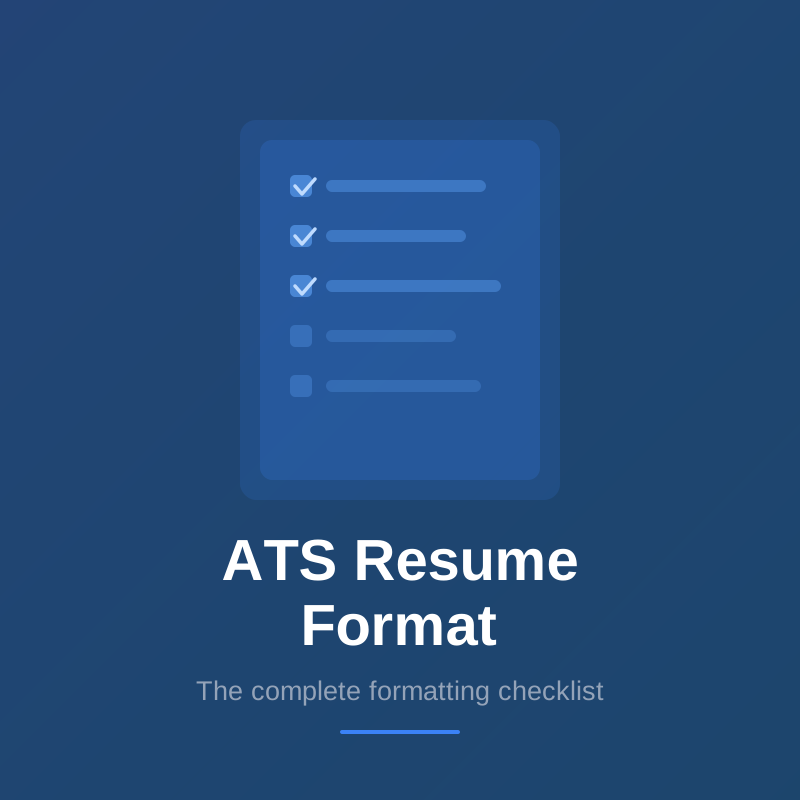
ATS friendly resume checklist
Use this checklist to confirm your resume is ATS friendly before every application:
Layout
- Single-column layout only — no multi-column sections
- No tables used anywhere in the document
- No text boxes
- No headers or footers containing important information
- All text left-aligned or with minimal center-alignment for name only
Content elements
- No images, icons, or graphics of any kind
- No skill rating bars or infographic-style elements
- No profile photo
Text and fonts
- Standard font: Arial, Calibri, Times New Roman, or Garamond
- Body text at 10–12pt
- No colored text (beyond standard black)
- Standard bullet points (• or –), not decorative symbols
Section headings
- Work Experience (not "Career Journey" or "Professional History")
- Skills (not "Core Competencies" or "What I Know")
- Education (not "Academic Background" or "Credentials")
- Summary or Profile (not "About Me" or "Introduction")
Contact information
- Name, phone, email, and LinkedIn in the main body — not in a header or footer
File format
- Saved as .docx, or text-based PDF with selectable text
Keywords
- Keywords from the job description present in skills section and experience bullets
- Exact terminology used (not paraphrased)
What is NOT ATS friendly?
These are the most common resume elements that fail ATS parsing:
Tables. Even simple tables used for layout (like placing dates next to job titles) confuse parsers. The ATS reads table cells in unpredictable order.
Multi-column layouts. The most common reason well-qualified candidates get filtered out. Columns look clean to humans; ATS merges them into meaningless text.
Graphics and images. Completely invisible to ATS. Profile photos, company logos, skill bars, icons — the system sees none of these.
Headers and footers. Most ATS platforms cannot read text placed in Word or Google Docs header/footer elements. Contact information placed here disappears.
Creative fonts. Fonts not installed on the ATS server may be substituted with unreadable characters or dropped.
Image-based PDFs. A PDF exported from Canva, Figma, or Adobe InDesign is a photograph of your resume. ATS systems cannot extract any text from it — your resume appears completely blank.
Non-standard section headings. Labels the parser doesn't recognize cause sections to be misfiled. Your entire work history could end up miscategorized.
How to check if your resume is ATS friendly
The plain text paste test. Copy all text from your resume and paste it into a plain text editor (Notepad on Windows, TextEdit on Mac in plain text mode). If the content appears in a logical order — contact info, then summary, then experience entries with dates and descriptions, then skills — your resume will likely parse correctly. If sections appear scrambled, out of order, or merged together, ATS will have the same problem.
Check for selectable text in PDFs. Open your PDF, click on the text, and try to drag to highlight individual words. If you can select words, the PDF is text-based and ATS-readable. If clicking selects the entire page as one block, it's image-based and will fail parsing completely.
Common rejection signals. If you're consistently not hearing back after applications to roles you're qualified for, ATS formatting is often the cause. A systematic formatting issue affects every application you send with that resume version.
Frequently asked questions about ATS friendly resumes
Is a PDF ATS friendly? A text-based PDF — created directly from Word or Google Docs — is ATS friendly and usually parses correctly. An image-based PDF — exported from Canva, Photoshop, or other design tools — is not ATS friendly and will appear completely blank to most parsers. To check: open the PDF and try to highlight text with your cursor. If you can select individual words, it's text-based.
Are two-column resumes ATS friendly? No. Two-column resumes are not ATS friendly. The parser reads across the full page width and merges both columns into a single stream of scrambled text, mixing your job titles with education entries and skills. Single-column layout is required for reliable ATS parsing.
Is Canva ATS friendly? Canva resumes are generally not ATS friendly. Canva exports resumes as image-based PDFs, which ATS systems cannot read at all. If you use Canva's design, you would need to recreate the same content in a plain Word document to make it ATS friendly. The design elements (icons, graphics, columns, custom fonts) also violate ATS formatting requirements.